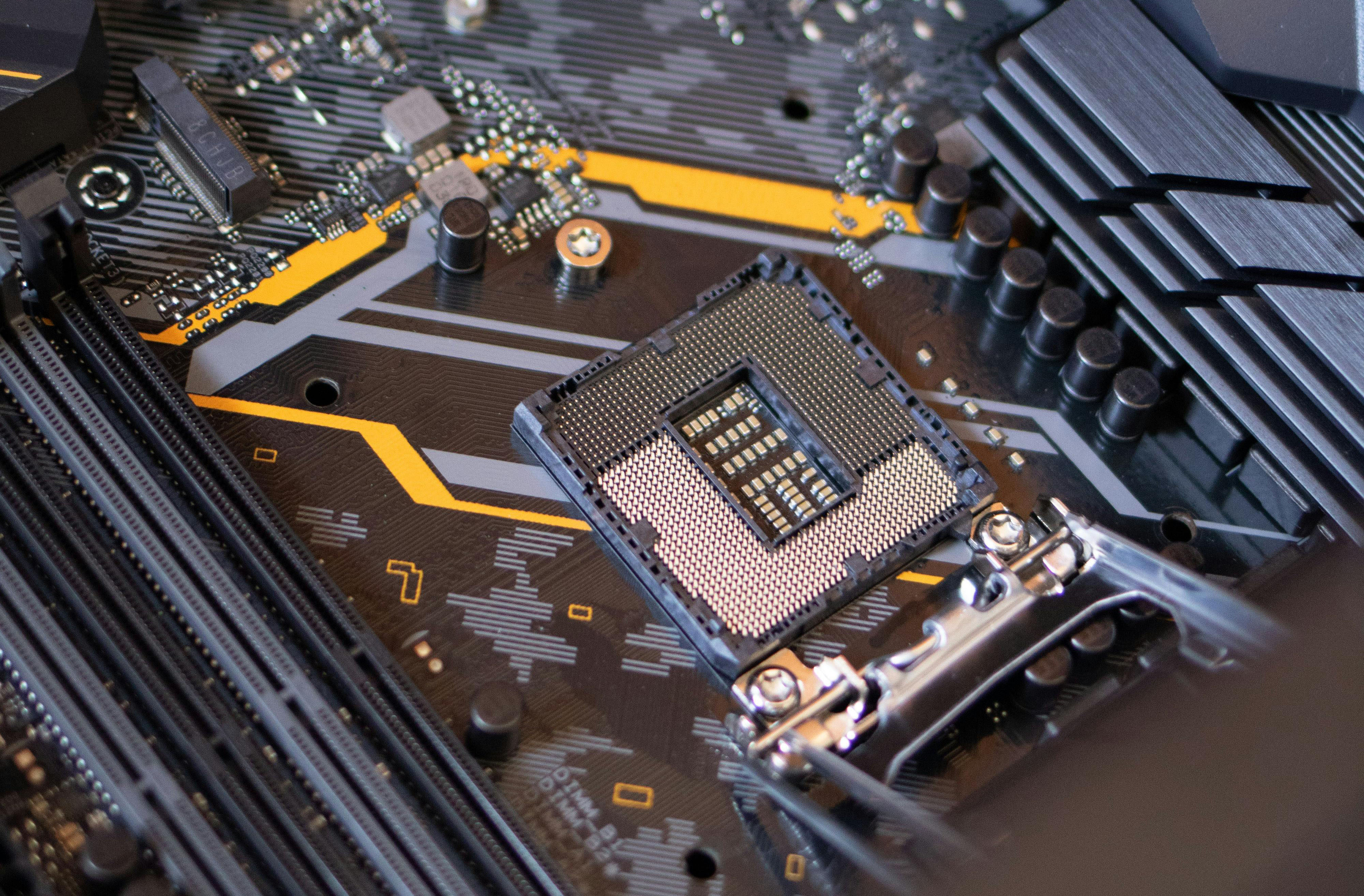
PC repair
Slow boots, blue screens, failing drives, screen glitches, junkware. We diagnose it at your home or office and get the machine running like new.

On-site computer repair in Bennington, Vermont. We come to your house or office, fix the thing, and explain what happened in plain English.

Michel Yeager
Owner, and the guy who shows up.
What we do
Slow machines, cracked screens, mystery pop-ups, websites that look like 2009. If it has a power button, start with a phone call — most problems get sorted faster than you’d think.
Slow boots, blue screens, failing drives, screen glitches, junkware. We diagnose it at your home or office and get the machine running like new.
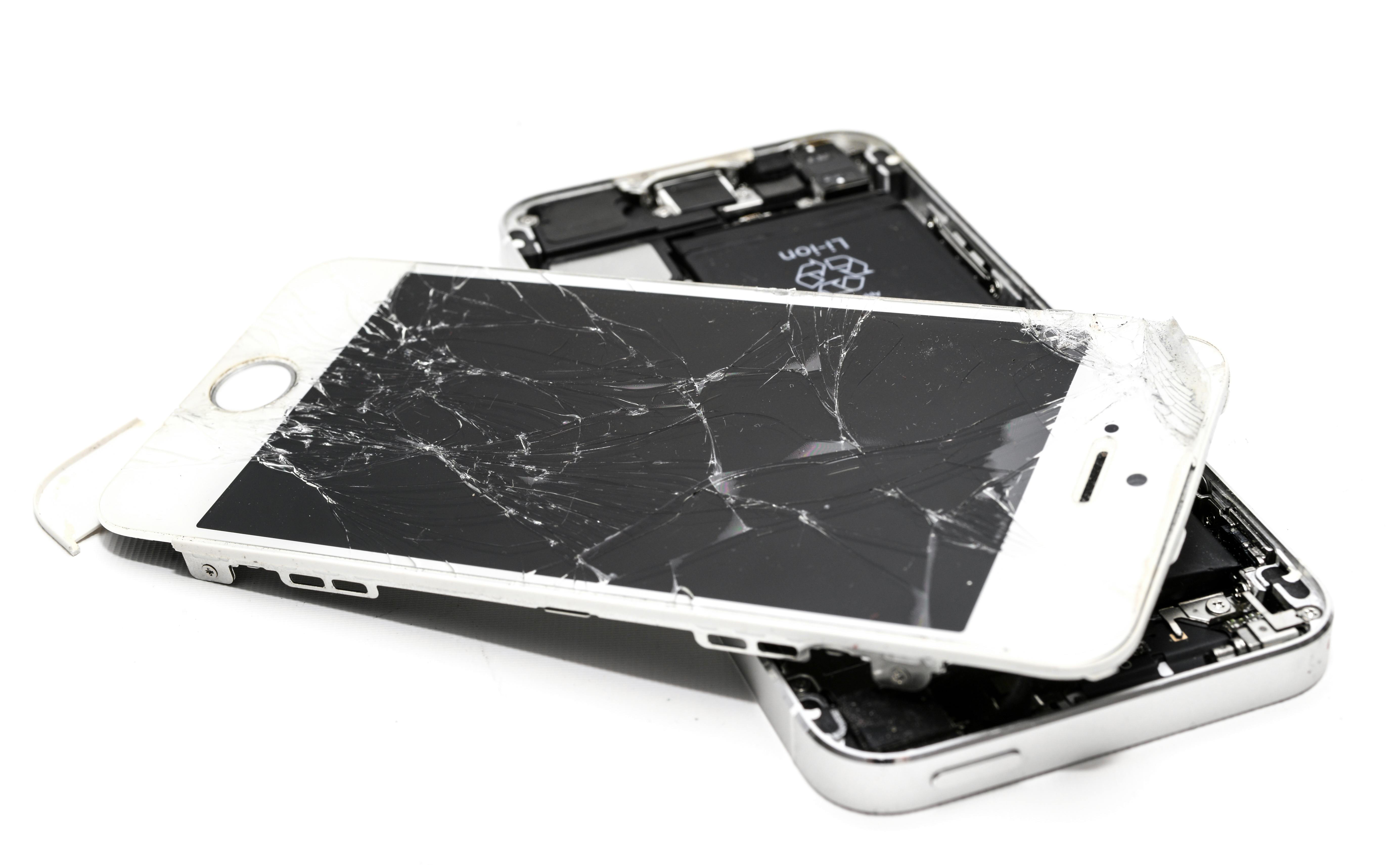
We figure out what’s actually wrong, order quality replacement parts, and get you back online quickly — no guesswork, no upsell.

A site that loads fast, works on a phone, and makes it obvious how to reach you. Think digital storefront, not digital scrapbook.

Aerial photography and inspections for the spots nobody wants to put a ladder against. Details on the way — ask if you have something in mind.
GEEKware
Small utilities built to scratch a specific itch. No accounts, no telemetry, no nagging. Download and go.

Turns a CueCat — that barcode scanner RadioShack, Wired, and Forbes gave away by the millions back in 2000 — into an actual working scanner. It sits in your system tray, decodes the scrambled output in real time, and types the real barcode number wherever your cursor is. No hacking, no firmware flashing. Reads UPC-A, EAN-8, EAN-13, Code 39, and Code 128, including USPS and UPS tracking labels (Not QRCodes).
Install: download the .exe and double-click it. Needs the .NET 8 Desktop Runtime — RetroScan will prompt you if it’s missing.
Download RetroScanMiss the old Chrome tab mute button? So did we. Google removed the ability to mute individual tabs straight from the tab bar, so we put it back. One click to silence a noisy tab, one click to bring it back.
Install: download and unzip. In Chrome, open chrome://extensions, turn on Developer mode, click Load unpacked, and pick the unzipped folder.
Download Tab Muter
Catches your cat mid keyboard-nap. It watches for two things a human can’t produce: a burst of several keys at once, or one key held down far too long. Spot either and it plays a meow, opens your favorite nature video, and shows a small cooldown countdown in the corner so it doesn’t spam you while he’s still lounging there. Click the tray icon any time to change settings or see what set it off last.
For Trouble, who never once cared what he was interrupting.
Install: download and run the .exe. Windows may show a “Windows protected your PC” warning because it’s unsigned — click More info → Run anyway.
Download Ctrl+Alt+MeowBehind the bytes
Seventeen years of taking things apart, and a genuine enthusiasm for the problems other people find annoying.
Michel is the whole shop — the person you call, the person who shows up, and the person who explains it afterward. Software glitch or hardware hurdle, he brings the fix to your home or office instead of making you haul a tower across town.
The free tools in GEEKware come out of the same habit: something in the day was annoying, so it got fixed properly.
Let’s talk tech
Also closed on federal and Vermont state holidays.
Next closure: —
We answer in plain English, not jargon — you’ll understand the fix faster than a pop-up disappears. Serving Bennington, Vermont and the surrounding towns, on site.